
Workflows, Automation and System Integrations
A workflow design that connects the jobs people carry by hand between forms, CRM, accounting, warehouse and notifications — using AI only where judgement is needed, and waiting for approval at the critical steps.
The problem
The systems exist — the bridge between them is a person
An order arrives through a form, someone enters it in the CRM, someone else tells accounting to invoice it, and the warehouse is told separately. Each step happens on a different screen, often by copy and paste. When someone is on holiday the process stops; when a step is skipped nobody notices until the customer calls.
- The same information is typed into several systems by hand
- The process depends on individuals; when they're away, work stops
- A skipped step is noticed too late
- It's hard to see who did what, and when
The solution
Fixed rules run automatically, AI where judgement is needed, people at the critical steps
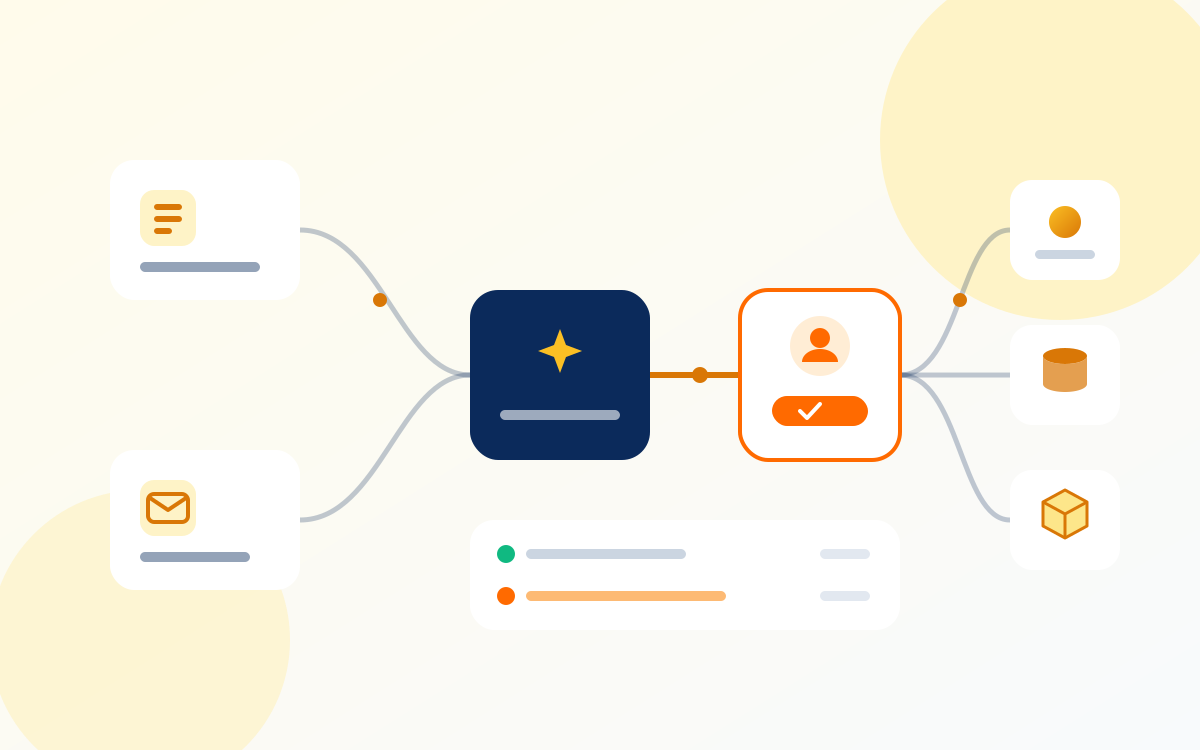
We start by mapping your current process step by step. Steps with clear rules — creating records, passing data on, sending notifications — run with conventional automation, the same way every time. AI comes in only where interpretation is needed, such as classifying a free-text request or pulling details from a document. Steps involving money, stock or commitments to customers wait for a person's approval. Every step is logged; if something fails, the workflow stops and alerts the person responsible.
Possible benefits
- Far less manual transfer and copy-and-paste
- The process rests on defined rules, not on individuals
- Errors and delays become visible straight away
- You can trace who did each step, and when
How it works
- 01Your team
The current process is mapped
Steps, systems, owners and exceptions are written down.
- 02System
A trigger event arrives
A new form, order, payment or status change.
- 03AI
AI handles the step that needs judgement
It classifies free text or extracts details from a document and returns a structured result.
- 04Your team
The critical step waits for approval
Anything involving money, stock or a customer commitment moves on only with a person's approval.
- 05System
Systems are updated and everything is logged
CRM, accounting, warehouse and notifications; if something fails, the workflow stops and alerts someone.
Example: an equipment rental company serving businesses
Rental requests come in through a web form and by email. Rule-based automation turns form requests into CRM records; for free-text emails, AI extracts the equipment type, rental dates and delivery address. The contract and deposit step waits for the operations manager's approval. Once approved, an invoice record goes to accounting and a preparation notice to the warehouse; if any step fails, the workflow stops and the person responsible gets a message.
What it needs
Information required
- The process steps, exceptions and owners
- What information moves where at each step
- Which steps need approval, and who approves them
Systems to connect
- Systems with an API: CRM, accounting, ERP, warehouse, email and messaging services (connected during setup)
- Interim options such as file exchange for older systems without an API — assessed case by case
- An admin panel to monitor the workflow
Where a person approves
Payments, stock reductions, contracts and commitments to customers never move forward without an approval step. AI classification results are routed to a person whenever confidence is low.
Security and privacy
- Each system connection is set up separately with the narrowest permissions needed
- Access keys are stored server-side and encrypted
- Every step is logged and can be traced afterwards
- AI receives only the data it needs to interpret — never full system access
What it does not do
- Automation may be limited for systems without an API
- If the process itself is unclear, automation just speeds up the confusion; the process needs to be clarified first
- When a connected system changes, the workflow needs maintenance
- AI steps don't always give definite answers, which is why critical decisions are protected by rules and approvals
Which of your processes still gets passed from hand to hand?
Let's map one process end to end together and sort out which steps need rules, which need judgement and which need approval.
Related services
This is an example scenario, not a completed client project. Setup and results depend on your business data and the systems you use.