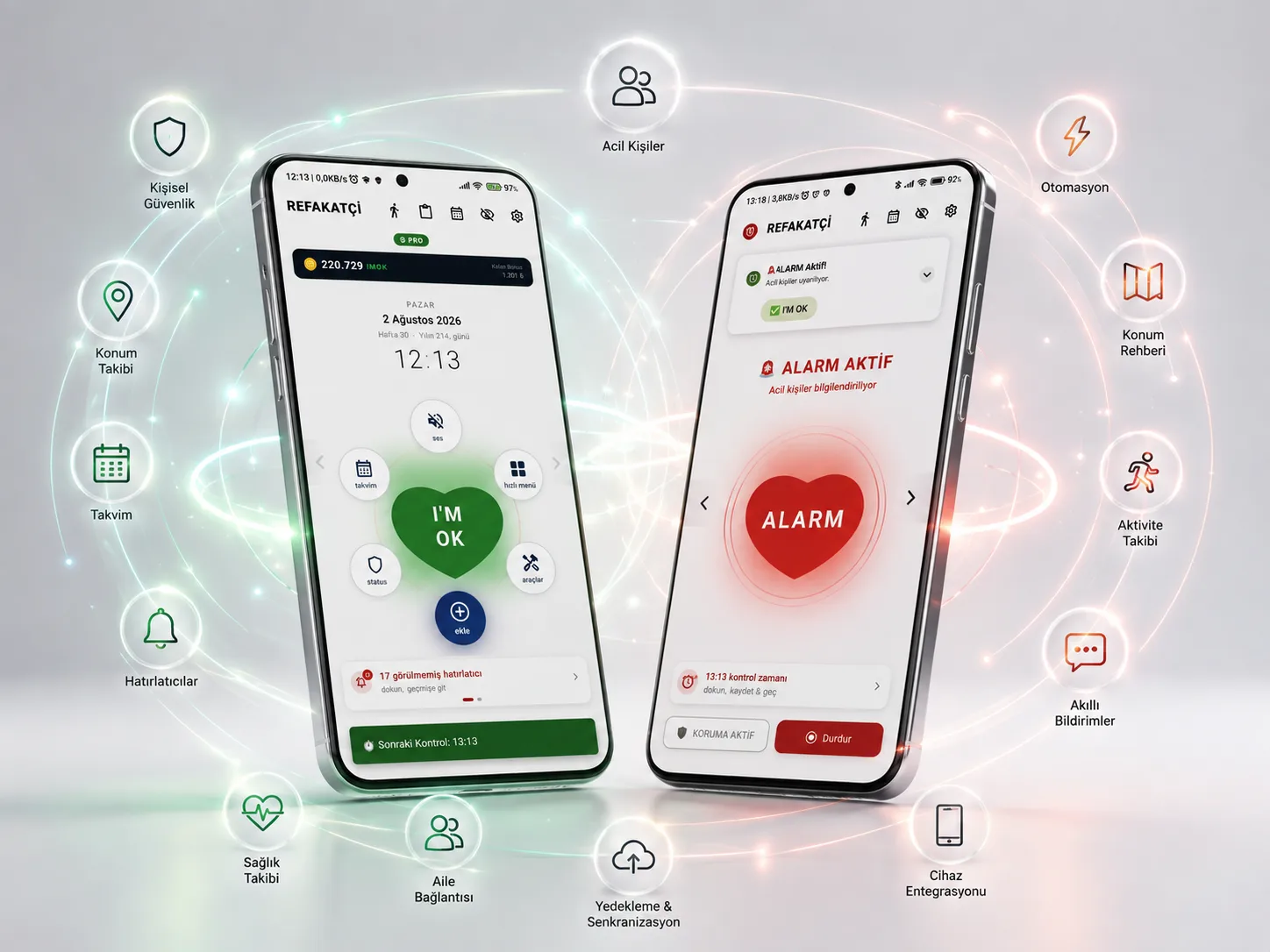
Check-in Time
It asks you to confirm that you're OK at the times you choose. If you can't respond, Companion automatically starts the safety scenario you defined, helping protect you and your loved ones.
 iPhone version planned · Coming soon
Scheduled Safety Check
Runs a safety check at the times you choose to make sure you're safe throughout the day.
Flip Check-in
Confirm that you're OK quickly and easily by flipping your phone over.
Voice Reminder
Your check-in is announced with voice alerts so you don't miss the notification.
About the Module
Check-in Time is Companion's core safety module. At the times you choose during the day, it sends you a quiet safety check. As long as you confirm that you're OK, life goes on as normal. If you can't respond within the set time, Companion activates the safety plan you created and automatically starts the help process.
The biggest risk in an emergency is that it can go unnoticed for a long time.
Check-in Time runs a safety check at the times you set and automatically starts the help process if there is no response.
Sorun
Emergencies Where You Can't Respond
In an emergency, minutes can save a life. Even a small delay in getting help can have serious consequences.
After a fall, a faint or a sudden health problem, a person may not be able to ask for help. In situations like these, starting the process automatically is critical for timely help.

How It Works
How Does Check-in Time Work?
An automatic safety process in just a few steps.
Yetenekler
What Check-in Time Can Do
Every capability is designed to solve a real need.
A safety system that works quietly.
Stay Safe Without Interrupting Your Life
Check-in Time asks for a short confirmation only at the times you choose. It keeps you safe without interrupting your daily life.
Learn More
When needed, it acts on your behalf.
When You Can't Respond, Companion Takes Over
If no confirmation is made within the set time, the help chain starts automatically.
Learn More
Not about checking up — about giving peace of mind.
Safety in a Single Tap
Confirm within seconds from the notification, the lock screen or with Flip Check-in.
Learn More
Features
Key features
Scheduled Safety Check
Runs a safety check at the times you choose to make sure you're safe throughout the day.
Flip Check-in
Confirm that you're OK quickly and easily by flipping your phone over.
Voice Reminder
Your check-in is announced with voice alerts so you don't miss the notification.
Multiple Ways to Confirm
Makes the safety check easy with notifications, the lock screen and different confirmation methods.
Automatic Help Chain
If there is no response, it automatically carries out the safety steps you defined in advance.
Emergency Contact Integration
When needed, it can automatically pass information on to the loved ones you choose.
Scheduled Safety Check
Runs a safety check at the times you choose to make sure you're safe throughout the day.
Flip Check-in
Confirm that you're OK quickly and easily by flipping your phone over.
Screenshots
Take a Closer Look at Check-in Time
Who Is It For?
Who is Check-in Time for?
SSS
Frequently Asked Questions
- Companion is an Android app built for personal safety and daily structure. Its modules fall into three functions: safety, order and connection. The underlying idea is simple: rather than expecting you to do something, it notices when you haven't.
- From Google Play. Our Android app is live on Google Play under the name "I'M OK Companion"; the Google Play button on the product page takes you straight to the store page. The direct install (APK) option from before Google Play remains as a secondary choice; details are in the "Direct install and tokens" section of the Plans page.
- The free version covers the basics and you can start right away. Pro unlocks higher capacity and extra features (such as fall detection, locked notes and template customization). In the Google Play version you move to Pro with an annual subscription (including a 7-day free trial) or a lifetime purchase; you see the price on the Google Play purchase screen. The real limits are in the comparison table on the Plans page.
- Yes. Companion is publicly available on Google Play, listed in the store as "I'M OK Companion". You can download it there and get updates through Google Play.
- On Android; you can download the app from Google Play. An iPhone version is planned; it is not out yet and is not on the App Store.
- 27 modules are presented on our site. You don't have to use them all; modules can be switched on and off independently, so you can enable only the ones that are useful to you. The Google Play version does not include the reward system (IMOK Coin). Each module has its own page explaining what it does, along with its own FAQ.
- No. Companion does not diagnose, take measurements or provide any medical assessment. It is a safety and organisation assistant: in situations you define, it sends automatic notifications to the people you choose.
- Notifications are sent only to the emergency contacts you define, through the channels you select. You decide who is added and which channels are used. There is also a way to delete your account and data, both from within the app and via the web.
- The detection side of the modules largely works without internet. However, an internet or SMS connection is needed to send notifications; when there's no connection, notifications are delivered once connectivity returns.
- The app is available in 22 languages.
- Your token license is valid in the direct-install (APK) version and is not affected by this change. Tokens are not used in the Google Play version; Pro there is unlocked with a subscription or a lifetime purchase on Google Play. We will announce the transition method for people using Pro via tokens in the Knowledge Center once it is settled.
- You can leave a rating and review on the Google Play store page with the Google account you installed the app with. The "Rate and Review" button on the product page takes you there. Your feedback helps us improve the app.
Get started
Companion is now on Google Play!
Start free and move to Pro when you need it.
You can download our Android app from Google Play; an iPhone version is planned.