
Service
SaaS & Admin Panel
Account, permission and reporting infrastructure for multi-user software.
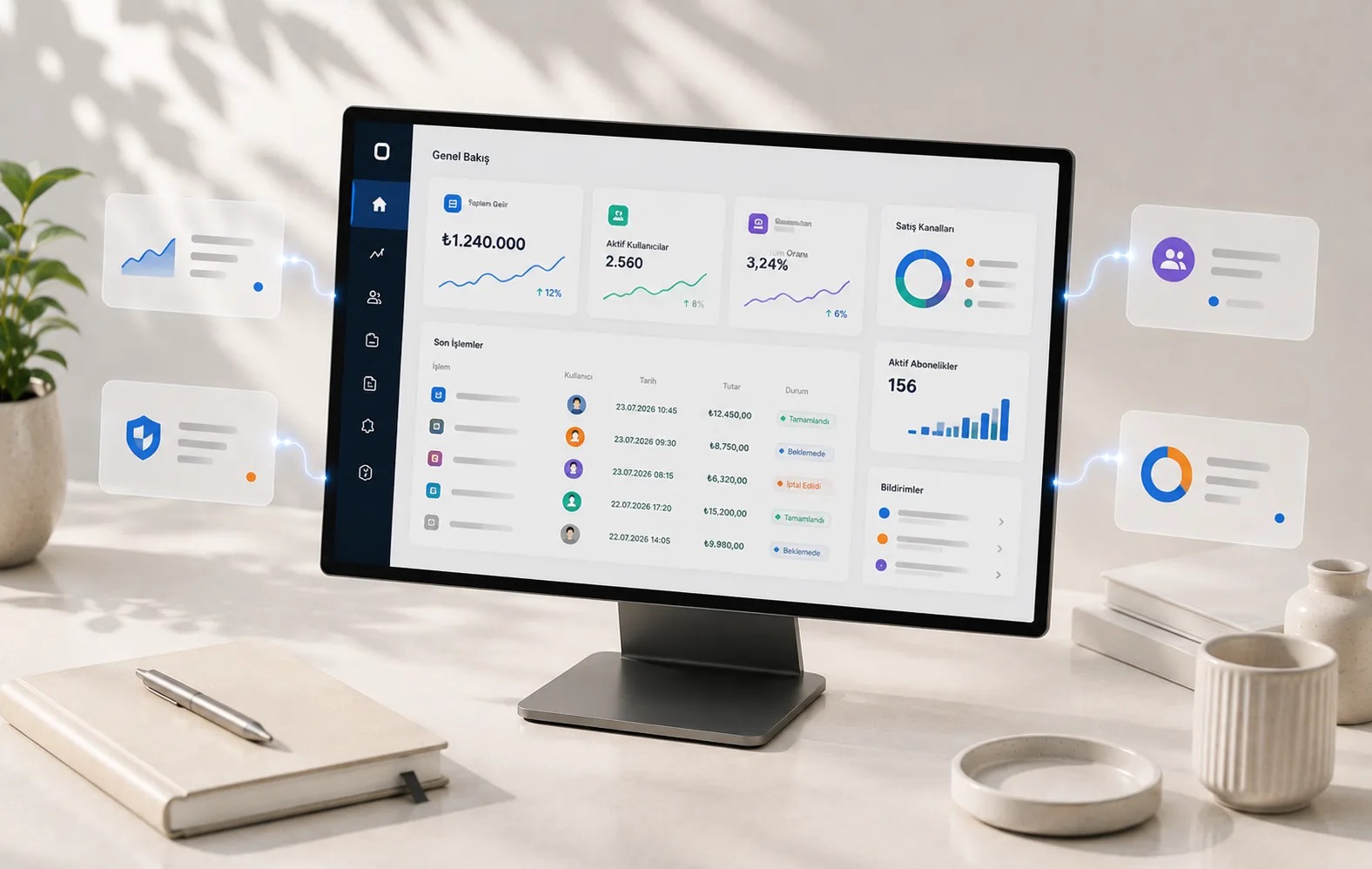
What turns software from a one-person tool into a multi-user product isn't the screens: it's who can see what, who can change what and a record of who did what. We build that layer — and we built our own management system on the same architecture.
PROBLEM
Which need does it solve?
Everyone signs in with the same permissions
What's practical at the start — one login, everyone sees everything — becomes a risk as the team grows. An accidentally deleted record, data that shouldn't have been seen or a change that can't be undone usually comes not from bad intent but from permissions that were never separated.
Nobody can trace who did what
A record has changed, but nobody knows who changed it, when or why. Without that information debugging turns into guesswork; as the team grows every discussion gets stuck at "it wasn't me".
Plans and limits are tracked outside the software
Who is on which package, how many uses they have left and which feature is open to whom are kept in a spreadsheet or in someone's head. Because the software doesn't know this, every exception is handled manually and every new package creates a new exception.
Getting a report means leaving the software
If answering a simple question means exporting data, merging it and calculating by hand, that question isn't being asked regularly. When the decision-maker can't reach the data, the software turns into a record store.
WHO IT'S FOR
Who is it a good fit for?
Those who want to turn their tool into a multi-user product
You have a tool that works but only one person uses it, and now your team or customers need to sign in too. The hard part isn't multiplying screens; it's deciding who can see what.
Those who want to bring their operations into one panel
If the work runs today across a few spreadsheets, a few message groups and someone's memory, bringing it into one place both speeds it up and makes it measurable for the first time.
Software owners who open accounts for their customers
If you need to give your users separate accounts, different packages and different usage rights, building this structure from the start is far cheaper than adding it later.
Single-user tools that don't need permission separation
If one person will use the software and there's no need for roles, limits or auditing, most of the layer described here would be an unnecessary cost. In that case a ready-made solution is often the better answer.
Those looking only for a public web presence
If you need a corporate site, a content platform or a public page structure, that's not what this page is about. Our Web Platform & Website service is there for that.
SCOPE
What do we build?
These are the areas we build solutions in. What we have shipped so far is in the Evidence section below.
Account and identity management
How users are created, invited and suspended, and how the lifecycle of their account is managed.
Role and permission layer
What the roles are, which screens each role can see and which actions it can take, and how permissions are enforced at the data level.
Plan, limit and feature management
Defining packages, the usage limits tied to each package and the flags that decide which feature is open to whom.
Audit trail and session management
A record of who did what and when, a history of sign-in attempts, and the ability to see and end open sessions.
Reporting and list screens
Search, filters, sorting and bulk actions — making data visible in a way that answers the question being asked.
Connecting subscription and payment flows
How packages connect to sales and where the line between the payment provider and the software is drawn.
HOW WE WORK
From idea to working product,
through a process where you see every step.
The six steps of the process are the same in every project. What's different in a multi-user product is that the centre of gravity of the decisions shifts to the start: how the data model is built, where the permission line is drawn and what gets logged must be settled before the first screen is drawn. These aren't features you can add later; because they determine how the data is structured, they're discussed in the Discovery and Strategy steps.
Discovery
We don't write code before we understand the problem.
We work directly with users to find the real problem. When you leave the first meeting, you know exactly what will be built, why, and how it will be measured.
Product Strategy
We design the right product.
Rather than perfecting the wrong product, validate the right one fast. We make clear what will be built before you invest.
UX/UI Design
We shape the experience.
You click through, try out and approve your product before a single line of code is written. From user research to high-fidelity design — every decision tested.
Engineering
We build the product.
You see a working demo every week. You always know where we are, when it will be done and which decisions we've made — you never have to wait in the dark.
Launch
We ship it.
No surprises on launch day. Thorough testing, a step-by-step rollout and active monitoring for the first 30 days — launch isn't the finish line, it's the start.
Growth
We grow the product together.
A product that evolves with user feedback, without piling up technical debt. We're still here after go-live — by your side as you scale.
The speed of a small team, the discipline of a large one.
At every stage there's a working version to discuss; decisions are made based on the product you see on screen, not on guesses. Launch day isn't the last day — we keep improving the product after it goes live.
APPROACH
Decisions we make together
Data model and user boundaries
Which data belongs to whom, under what conditions one user can see another's data, and whether this boundary is enforced at the database level or the application level. This decision can be changed later, but the price is usually migrating the data.
Where to draw the permission line
As the number of roles grows, the system gets more flexible but harder to understand. Starting with a few clear roles and splitting them when needed is more sustainable than defining ten roles upfront and forgetting what each one does.
Where plans and limits are defined
If packages are hard-coded, every price change needs a release. Defined as data, they can be managed without touching the software — but for that, limits and feature flags have to be set up as separate concepts from the start.
The scope of the audit trail
Logging everything makes the log unreadable; logging nothing makes debugging impossible. We decide from the start which actions leave a trace, how long records are kept and who can see them.
How deep reporting goes
Is it enough for the panel to list records, or does it need to produce summaries that drive decisions? The two need different data structures; switching later usually means rewriting.
EVIDENCE
What we've shipped so far
İçerik Yöneticisi — this site and its admin panel
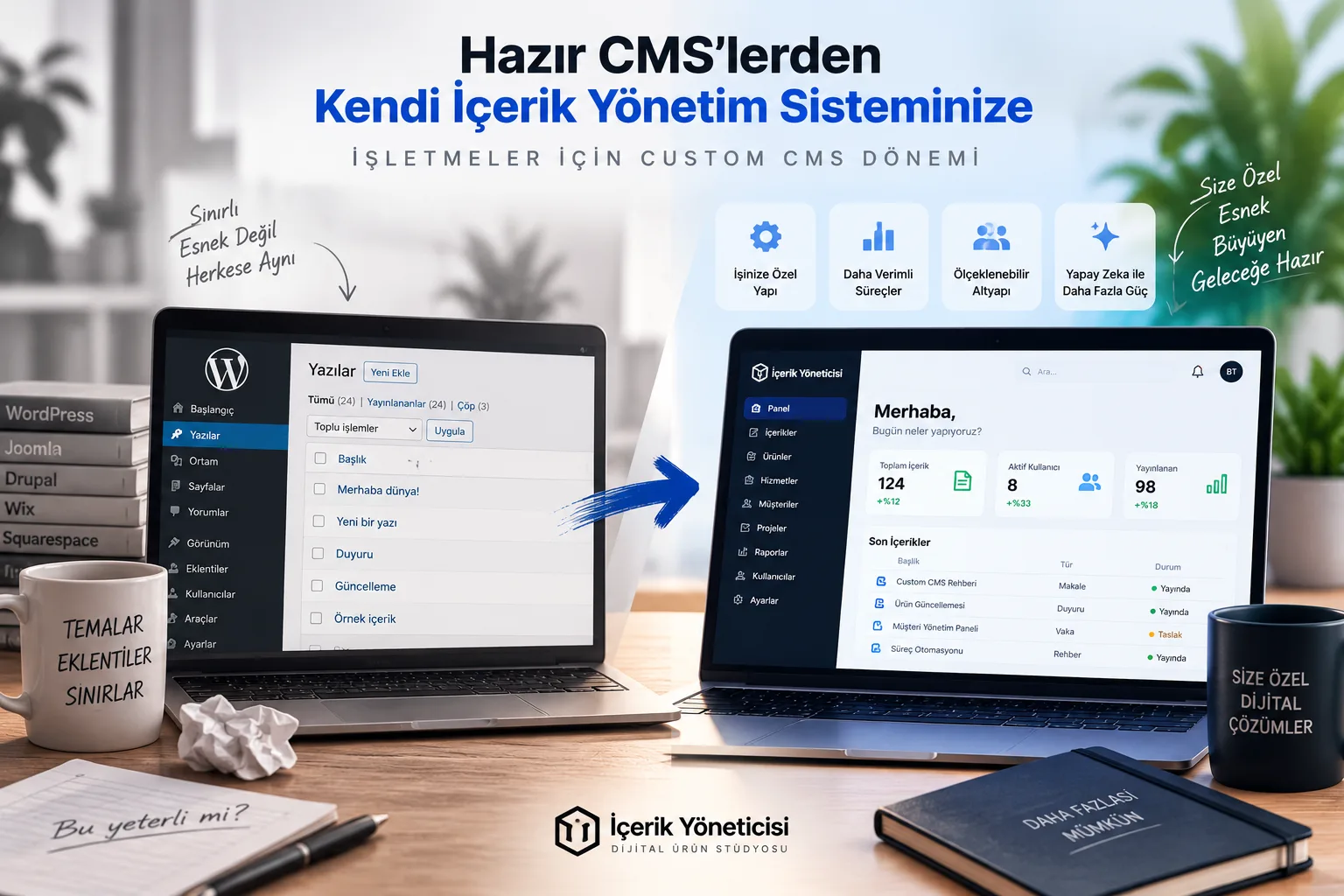
The site you're reading right now: a database-driven page architecture, its own admin panel, search visibility infrastructure and a Knowledge Center. Our own in-house product.
SSS
Sık sorulan sorular
- We don't quote a fixed timeline, because the workload and scope differ for every project. We determine the timeline in the first conversation, once we understand the work, and present it to you as a concrete schedule. An estimate given before the scope is clear tends to become a promise nobody can keep.
- We don't have a price list. Pricing is set per project once the scope is clear, because two projects under the same heading can be very different. We start by understanding the need, define the scope together, and the price follows from that.
- Yes. In every service and product we build, the source code belongs to you — down to the last line. Our aim is for each client to own a product that is genuinely theirs, not to hold the code and keep you dependent on us.
- Every digital product or service we deliver comes with 1 month of free support; usage questions and any issues you run into are covered during that period. After that, we set up a separate support agreement if you need one. Beyond that, our defect warranty has no time limit: if a fault originating from us appears in what we delivered, we fix it no matter how much time has passed. We don't hand over work that doesn't function. Everything else is treated as separate work: new feature requests, scope extensions, and adaptations required by changes third parties make to their own systems (operating systems, payment providers, APIs).
- We build the permission layer from the start, not as a control bolted on later. Who can see which screen, change which record and perform which action is tied to roles. Critical actions are recorded in an audit trail: which user did what, and when. Adding permissions later means reviewing every screen one by one, which is why it comes first.
- Yes — plan and limit management and wiring up the payment flow are in scope: what each plan grants access to, how limits are enforced, and the subscription lifecycle. The choice of payment provider depends on the project and the country; we decide that together.
- Yes, and it's one of the most common requests: adding accounts, roles and data separation to a tool used by one person. The real work here is on the data side rather than the interface — separating which existing records belong to which account. A handover starts with a code review.
- We build the system to handle growth, but only real usage reveals the real load. That's why measurability matters: slow queries and bottlenecks need to be visible, so that when growth arrives nobody has to guess where to intervene. Infrastructure and hosting choices are made together per project, and because the code is yours, it stays portable.
Let's Get Started
Let's talk about your project
and map out the way forward together.
You may have an idea, a problem you want to solve or a system you want to renew. In the first meeting we'll clarify what needs to be done and where to start.
- We listen to your needs and understand what you really want to solve.
- We decide together which technology and approach fit best.
- We clarify the scope and a rough timeline.
- We tell you clearly what the next step is.
- The first meeting is free.
- No commitment required.
- We usually reply within 48 hours.